Android vs iOS Security: Which Mobile Operating System Is Safer in 2026?
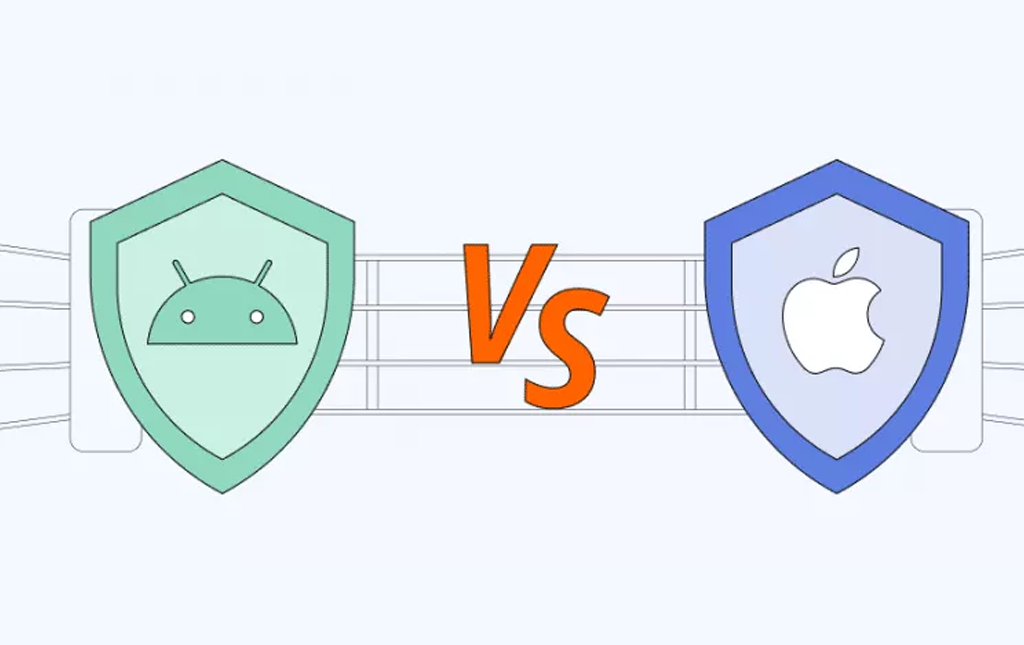
The Android vs iOS debate has raged for over a decade, but when it comes to security, the discussion goes beyond personal preference. Your phone holds your banking apps, work emails, family photos, location history, health data, and increasingly, your digital identity. Choosing between Android and iOS isn’t just about apps and design — it’s about how well your data is actually protected.
This guide breaks down how each platform approaches security, where they differ, and what that means for everyday users, professionals, and businesses making informed choices in 2026.
The Core Difference: Closed vs Open Ecosystems
The fundamental security difference between Android and iOS comes down to philosophy. iOS is a closed ecosystem — Apple controls the hardware, software, and app distribution. Android is open — Google develops the OS, but dozens of manufacturers customize it, and users have far more freedom over what they install and how their device is configured.
Each approach has security trade-offs. iOS gains tight control and consistency at the cost of flexibility. Android gains flexibility and choice at the cost of fragmentation and inconsistent update support.
App Store Security
The app store is where most users encounter their first line of defense — or risk. Here’s how each platform handles app distribution and review:
Apple App Store
Every iOS app goes through a strict manual review process before it appears in the App Store. Apple reviews code, business practices, privacy disclosures, and tests apps on real devices. Sideloading apps from outside the App Store is heavily restricted (with limited exceptions in the EU as of 2024).
The result: very few malicious apps make it onto iOS, and those that do are usually removed within hours of detection.
Google Play Store
Google uses a mix of automated scanning (Google Play Protect) and human review. The store handles a far larger volume of apps than Apple’s, which makes consistent oversight harder. Android also allows sideloading — installing apps from third-party sources or APK files outside the official store.
Sideloading is a powerful feature for advanced users, but it’s also the most common way Android malware spreads. Most reported Android security incidents involve apps installed outside the Play Store.
Operating System Updates
Software updates are the unsung heroes of mobile security. They patch vulnerabilities before attackers can exploit them. This is where iOS has historically held a significant advantage.
| Update Aspect | iOS | Android |
|---|---|---|
| Update Source | Apple (direct) | Google → Manufacturer → Carrier → User |
| Support Lifespan | 5–7 years typical | 3–7 years (varies) |
| Rollout Speed | Same day, all devices | Weeks to months by brand |
| Adoption Rate | ~80% within months | Highly fragmented |
| Security Patches | Bundled with iOS | Monthly Android Security Bulletin |
Recent flagship Android phones from Google (Pixel) and Samsung now offer 7 years of OS and security updates — closing the historical gap with iOS. But entry-level and mid-range Android devices often receive only 2–3 years of support, leaving millions of phones vulnerable to known exploits.
Malware and Threat Landscape
Malware reports overwhelmingly target Android — but the picture is more nuanced than headlines suggest.
- Larger global market share (~70% of all smartphones worldwide)
- Sideloading from third-party stores and APK websites
- Wide range of devices, including budget models with outdated OS versions
- Greater access permissions available to apps
iOS is not immune. Sophisticated targeted attacks like Pegasus spyware and zero-click iMessage exploits have shown that even the most secure platforms can be compromised by well-funded adversaries. However, these attacks are extremely rare and typically target specific high-profile individuals — journalists, activists, executives — rather than average users.
For everyday consumers, the practical risk picture looks like this:
- Casual users on iOS: Very low malware risk.
- Casual users on Android (Play Store only): Low risk if Play Protect is enabled.
- Android users who sideload apps: Significantly higher risk.
- High-profile targets: Both platforms can be compromised through nation-state-grade tools.
Privacy: Data Collection and User Control
Privacy is closely linked to security but isn’t identical. A platform can be hard to hack and still collect a lot of data about you.
Apple’s Privacy Approach
Apple has built privacy into its marketing and product strategy. Notable features include:
- App Tracking Transparency (ATT): Apps must ask before tracking you across other apps and websites.
- Privacy nutrition labels on every App Store listing.
- On-device processing for Siri, photo recognition, and other AI features.
- iCloud Private Relay hides your IP address and browsing activity (paid iCloud+ feature).
- Mail Privacy Protection blocks email tracking pixels.
Google’s Privacy Approach
Google’s business model relies more on advertising and data than Apple’s, but Android has steadily improved its privacy controls:
- Granular permission controls (location, microphone, camera) with one-time access options.
- Privacy Dashboard shows which apps accessed sensitive data and when.
- Approximate location sharing instead of precise GPS for non-essential apps.
- Auto-revoke permissions for apps you haven’t used in months.
- Private Compute Core processes sensitive AI features on-device.
The honest takeaway: iOS gives you stronger default privacy out of the box. Android offers comparable controls, but you often need to actively enable them.
Biometric and Device Security
Both platforms use biometrics — fingerprint and facial recognition — to lock devices and authorize purchases. The implementations differ significantly.
iOS: Face ID and Touch ID
Apple’s biometric data is stored in the Secure Enclave, an isolated chip that the rest of the system cannot directly access. Face ID uses a 3D infrared dot projection that’s extremely difficult to spoof with photos or masks. Apple consistently performs at the top of independent biometric security tests.
Android: Wide Variability
Android biometrics depend heavily on the manufacturer. High-end Samsung, Google Pixel, and OnePlus devices use secure hardware modules comparable to Apple’s Secure Enclave. Budget Android devices, however, sometimes use less secure 2D facial recognition that can be bypassed with a photograph.
This is one of the clearest examples where Android’s openness creates inconsistency: the security of “Android” depends entirely on which Android phone you’re holding.
Encryption
Both platforms encrypt user data by default — a baseline expectation in 2026.
- iOS: Full-device encryption tied to your passcode and Secure Enclave. Apple cannot decrypt your device for law enforcement without your passcode.
- Android: File-based encryption since Android 10. Modern devices use hardware-backed keystores. Encryption strength varies somewhat by manufacturer.
- Cloud backups: Apple offers Advanced Data Protection for end-to-end encrypted iCloud backups (opt-in). Google now offers similar end-to-end encryption for backups on supported devices.
Side-by-Side Security Comparison
| Security Dimension | iOS | Android |
|---|---|---|
| App Store Vetting | Strict manual review | Automated + manual |
| Sideloading | Heavily restricted | Allowed |
| OS Updates | Direct from Apple, fast | Varies by manufacturer |
| Update Lifespan | 5–7 years | 2–7 years |
| Malware Prevalence | Very low | Higher (mostly via sideload) |
| Default Privacy Settings | Strong defaults | Strong but require setup |
| Biometric Security | Consistently strong | Varies by device |
| Encryption | Default, hardware-backed | Default, hardware-backed |
| User Control | Limited | Extensive |
| Enterprise Management | Strong (Apple Business Manager) | Strong (Android Enterprise) |
Where Each Platform Is Stronger
- Tighter app review process
- Faster, more uniform OS updates
- Stronger privacy defaults
- Consistent biometric security across all devices
- Lower exposure to commodity malware
- More granular permission controls
- Stronger sandboxing for advanced users
- Open-source codebase reviewable by researchers
- Flagship devices match or exceed iOS hardware security
- Better customization for enterprise security policies
The User Behavior Factor
Here’s the part most security comparisons skip: how you use your phone matters more than which phone you use. A locked-down iPhone in the hands of someone who reuses passwords and clicks every suspicious link is less secure than a Pixel running the latest Android with a careful, security-aware owner.
Universal habits that improve security on either platform:
- Keep your OS and apps updated immediately when patches arrive.
- Use a unique, strong password for every account, ideally with a password manager.
- Enable two-factor authentication on email, banking, and social accounts.
- Avoid sideloading apps unless you trust the source completely.
- Review app permissions monthly and revoke anything unnecessary.
- Don’t connect to unknown public Wi-Fi networks without a VPN.
- Be skeptical of SMS links, even those that look familiar.
Which Should You Choose?
- Choose iOS if: You want the strongest out-of-the-box security with minimal configuration, value privacy as a default, and prefer a simpler user experience.
- Choose Android (flagship) if: You want comparable security to iOS with more flexibility, customization, and control over your device.
- Avoid budget Android phones if: Security is a top concern. Limited update support and weaker biometric implementations create real risk.
- For high-risk users (journalists, executives, activists): Both platforms offer hardened modes — iOS Lockdown Mode and Android’s Advanced Protection Program — but the latest iPhones with Lockdown Mode currently set the bar.
Final Verdict
For the average user, iOS remains the safer default in 2026 — primarily because of its consistent updates, stricter app store, and strong privacy defaults. But the gap is narrower than ever. A current Google Pixel or Samsung Galaxy S series device, kept up to date and configured properly, offers security that’s genuinely competitive with the iPhone.
The real choice isn’t iOS vs Android — it’s secure habits vs careless ones. Both platforms offer the tools to keep your data safe. What separates a secure user from a compromised one is whether they actually use those tools.
Frequently Asked Questions
Is iPhone really more secure than Android?
For most users, yes — primarily because of faster updates, a stricter app store, and stronger default privacy settings. However, flagship Android devices (Pixel, Galaxy S series) have closed much of the gap.
Can iPhones get viruses?
Traditional viruses are extremely rare on iOS due to its closed ecosystem. However, sophisticated spyware like Pegasus has successfully targeted iPhones, and phishing attacks work on any platform.
Does Android have built-in antivirus?
Yes. Google Play Protect scans apps automatically before installation and periodically afterward. For most users, additional antivirus apps aren’t necessary if you stick to the Play Store.
Is sideloading apps on Android dangerous?
It can be. Sideloading itself isn’t inherently bad, but apps from unknown sources bypass Google’s security checks. Most Android malware infections happen this way.
Which is better for privacy: iOS or Android?
iOS generally offers stronger privacy defaults out of the box. Android provides comparable controls but often requires the user to actively enable them.
How long should a phone receive security updates?
Industry best practice is now 5–7 years. Apple, Google Pixel, and Samsung’s flagship Galaxy line all meet this standard. Budget Android devices often only receive 2–3 years.
Are iPhones harder to hack than Android phones?
For the average attacker, yes. For nation-state-level actors with zero-day exploits, both platforms have been compromised. Lockdown Mode on iOS provides additional protection for high-risk users.
Should I use a VPN on my phone?
A VPN is recommended when using public Wi-Fi, traveling, or accessing region-restricted content. It adds privacy by encrypting your traffic, but it doesn’t replace good security habits.